Guide3 min read
How email verification works, layer by layer
Short answer
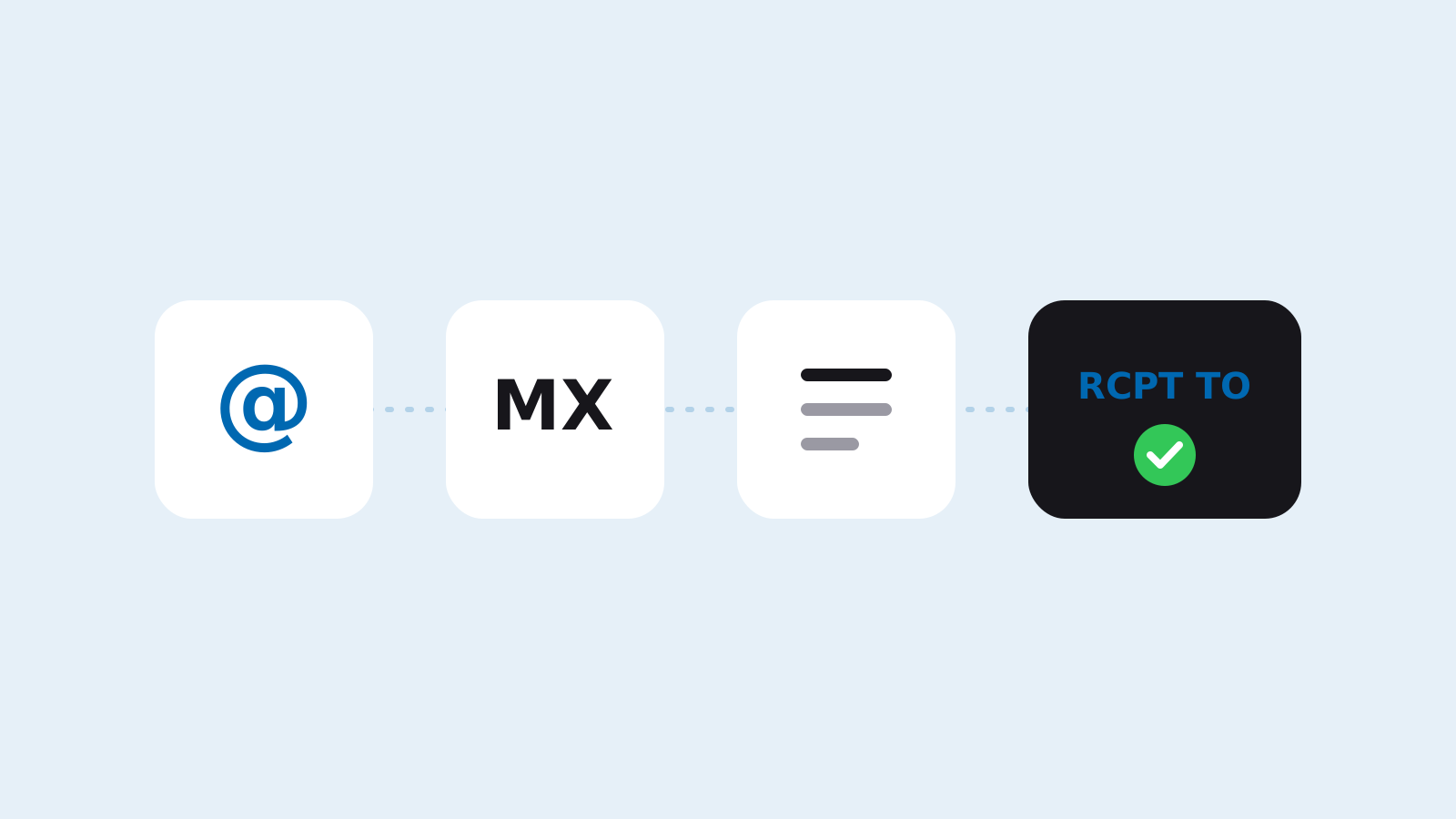
Email verification checks an address in four layers: syntax, the domain's DNS and MX record, disposable and role address lists, and finally asking the SMTP server whether the mailbox exists. The SMTP step sends no mail. It only asks about the recipient and closes the connection before the DATA command.
Key takeaways
- Layers run in order: an address that fails syntax never reaches DNS or SMTP.
- The SMTP check ends at the RCPT TO question, so no mail lands in the inbox.
- Servers that accept every address produce an unknown result, never a valid one.
- Marking an address unknown costs less than wrongly calling it valid.
What is email verification?
Email verification checks whether an address can receive mail before you send to it. The goal is a low bounce rate: every message sent to a mailbox that does not exist lowers your sender reputation with Gmail and Outlook.
Verification does not guess. It returns a result and the reason behind it for every address. The reason matters, because an "unknown" result and an "invalid" result call for different decisions.
Which layers does verification run?
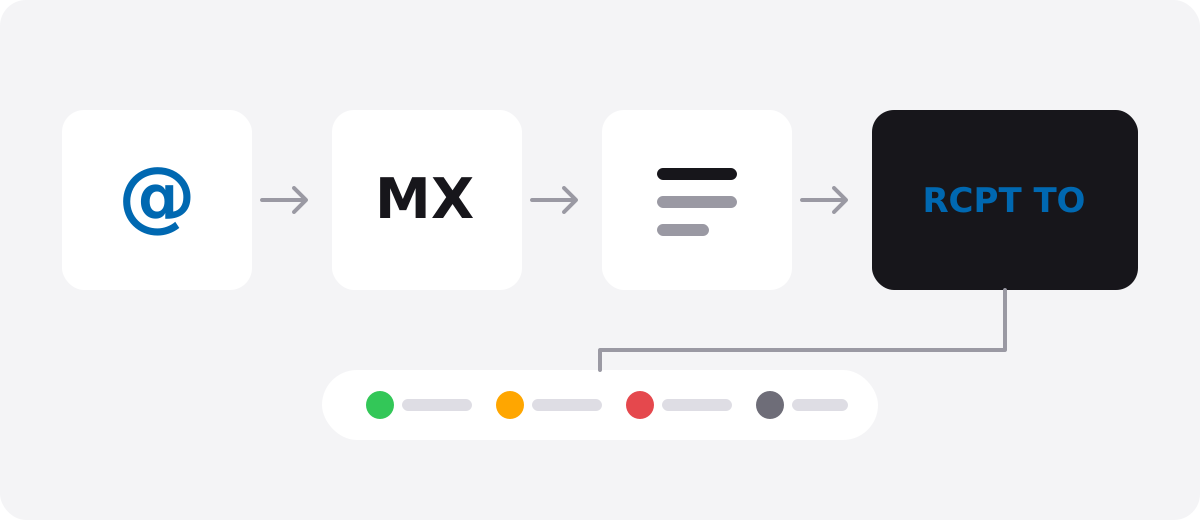
- Syntax: Does the address follow the format rules? Spaces, double dots or a missing @ fail here.
- DNS and MX: Does the domain exist, and does it publish an MX record that accepts mail?
- Lists: Is it a disposable inbox, or a role address such as info@?
- SMTP: Does the domain's mail server recognise this mailbox?
How does an SMTP check work without sending mail?
The verifier connects to the domain's MX server and talks like any mail server: EHLO to introduce itself, MAIL FROM with an empty sender, then RCPT TO to ask about the recipient. The server's reply to that question decides the result. QUIT follows. The DATA command, which would carry the message, is never sent.
| Server reply | Meaning | Result |
|---|---|---|
| 250 | The server accepted the recipient | Valid (unless the domain accepts everything) |
| 550 5.1.1 | No such mailbox | Invalid |
| 450 / 451 | The server is deferring (greylisting) | Retry from the same IP a few minutes later |
| 5.7.x | The server blocked the query | Unknown, nothing learned about the mailbox |
Why do some results stay unknown?
Some domains reply 250 to every recipient. These are called catch-all domains: the server accepts any address, whether the mailbox exists or not. Large providers such as Yahoo and AOL also accept everything at the SMTP stage. In these cases a 250 reply proves nothing about the mailbox.
When should you verify a list?
- Before a campaign to a list you have not mailed in a long time.
- On your signup form, before the address reaches your database.
- When your bounce rate jumps, to find the source of bad addresses.
To upload a list and download the clean part, create a free account.
Frequently asked questions
Does email verification send a message to the address?
No. The SMTP check only asks the server whether it would accept the recipient and closes the connection before the DATA command. No message reaches the inbox and the recipient never sees the check.
Is email verification 100% accurate?
No. Catch-all domains and some large providers do not reveal whether a mailbox exists. An honest verifier does not show these addresses as valid. It marks them unknown and leaves the decision to you.
Are role addresses like info@ or support@ invalid?
No. Role addresses are usually real mailboxes that receive mail. They get their own label because they reach several people and draw more complaints than personal addresses.